For virtual list support see our virtual list pattern
❌ This behaviour is only supported in
11.x. We do plan on supporting this type of behaviour again in a futureminorrelease. We needed to cut this existing behaviour order to get12.xacross the line. Going forward, tree behaviour will be supported on the latest version. We know this sucks, but we thought it better to move things forward.
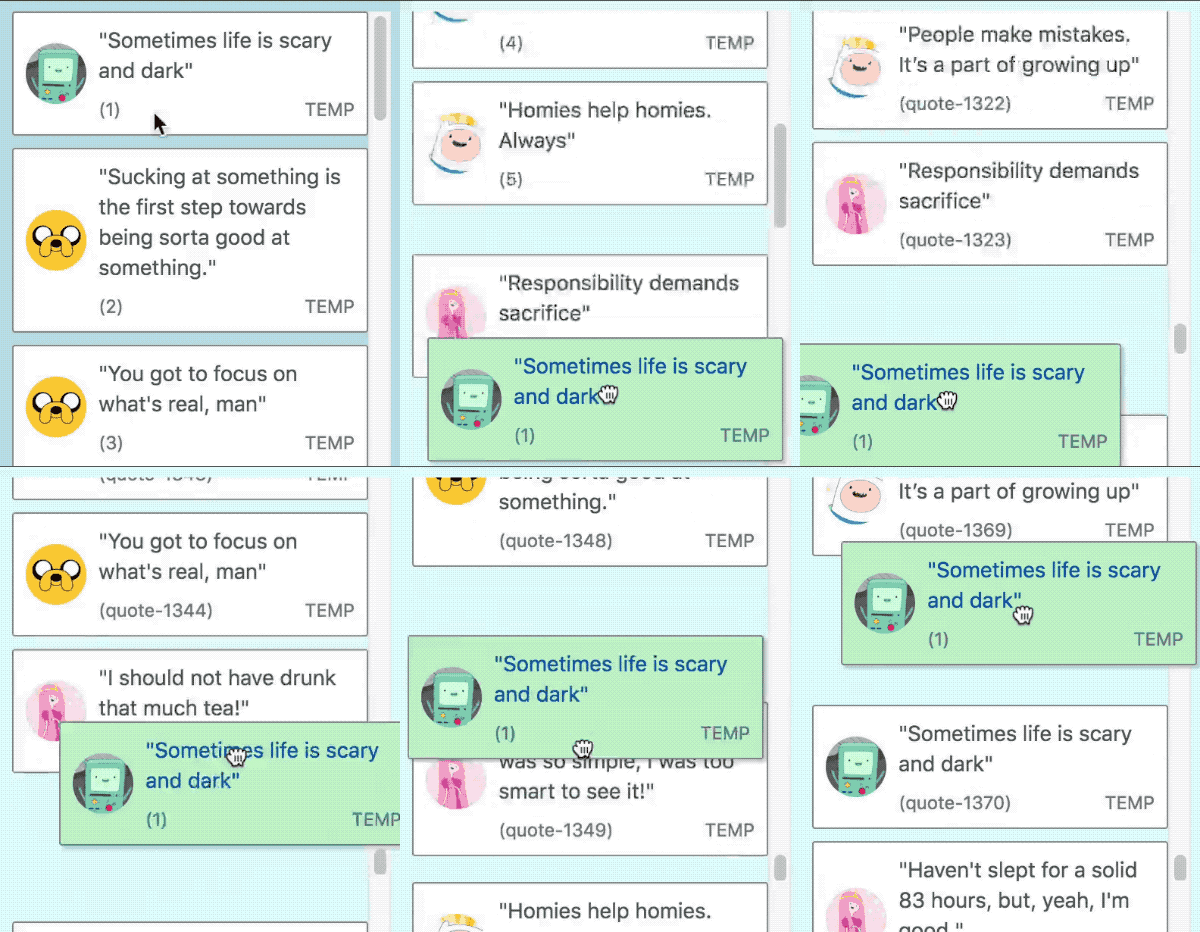
react-beautiful-dnd supports the addition and removal of <Draggable />s during a drag.
In this example we are adding more
<Draggable />s to a list we scroll closer to the bottom of the list
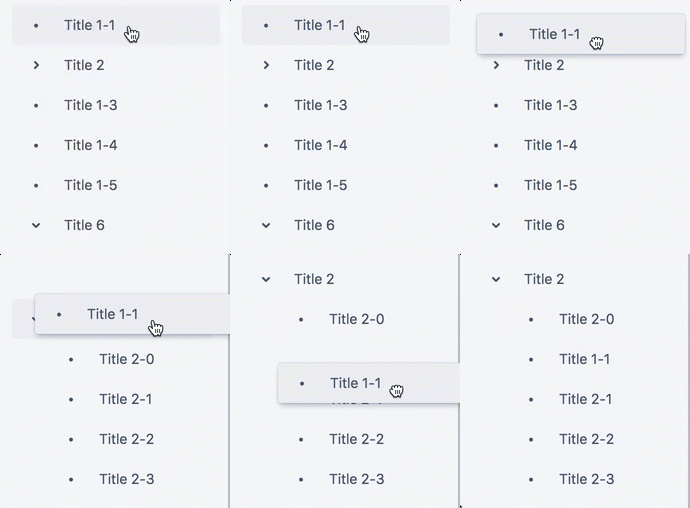
We recommend you use the
@atlaskit/treecomponent for this behaviour
We attempt to print helpful debug information to the
consoleif you do not follow these rules in development builds
- You are allowed to add or remove
Draggablesduring a drag - You can only add or remove
Draggablesthat are of the sametypeas the dragging item. - Any changes must occur within a
<Droppable />that is a scroll container (hasoverflow: autooroverflow: scroll). This is prevent accidental shifts to otherDroppableson the page - The size of the internal content of the scroll container can change, but the outer bounds of the scroll container itself cannot change.
- You cannot modify the sizes of any existing
<Draggable />or<Droppable />during a drag - You cannot add or remove a
<Droppable />during a drag. We did this to avoid accidental shifting of other<Droppable />s - When an item is removed or added it must be done instantly. You cannot animate the size of the item. You are welcome to animate a property when adding a
<Draggable />that does not impact the size of the item, such asopacity
onDragUpdatewill be called if theDragUpdate > source > indexof the dragging item has changed as the result ofDraggablesbeing added or removed before it.onDragUpdatewill be called if theDragUpdate > destinationof the dragging item has changed as a result of the addition or removal.
onDragEnd will be called with values that are adjusted for any additions or removals of Draggables during a drag. This can mean that the onDragStart: DragStart > source > index can be different from the onDragEnd: DropResult > source > index.
What is important to note is that the
sourceproperty can change during a drag as a result of dynamic changes.
- A drag starts.
onDragStart is called with:
{
  draggableId: 'item-1',,
  type: 'TYPE',
  source: {
    droppableId: 'droppable',
    index: 1,
  },
}- The first
<Draggable />in the list (item-0) is removed.
onDragUpdate is called with DragUpdate:
{
  draggableId: 'item-1',,
  type: 'TYPE',
  source: {
    droppableId: 'droppable',
+   // item-1 is now in index 0 as item-0 is gone
+    index: 0,
  },
  // adjusted destination
  destination: null,
}- The drag ends
onDragEnd is called with DropResult:
{
  draggableId: 'item-1',,
  type: 'TYPE',
  source: {
    droppableId: 'droppable',
+   // the source reflects the change
+    index: 0,
  },
  destination: null,
  reason: 'DROP',
}If a drag ends after a <Draggable /> has been added or removed, but we have not finished collecting and patching the virtual dimension model then we will delay the drop until the patch is finished. This is usually only a single frame. The onDropEnd callback will be called with a DropResult that is correct after the patch.